

Welcome Package
Up to £3900+ 200 Free Spins

Bonus terms & conditions apply.
Gold River Star Casino Mobile App: Mobile-Optimised Play
Looking for the Gold River Star Casino Mobile App? Our mobile-optimised website gives you a convenient way to access your account, play for fun or real money, manage your limits and contact support from a mobile browser.
Gold River Star Casino App
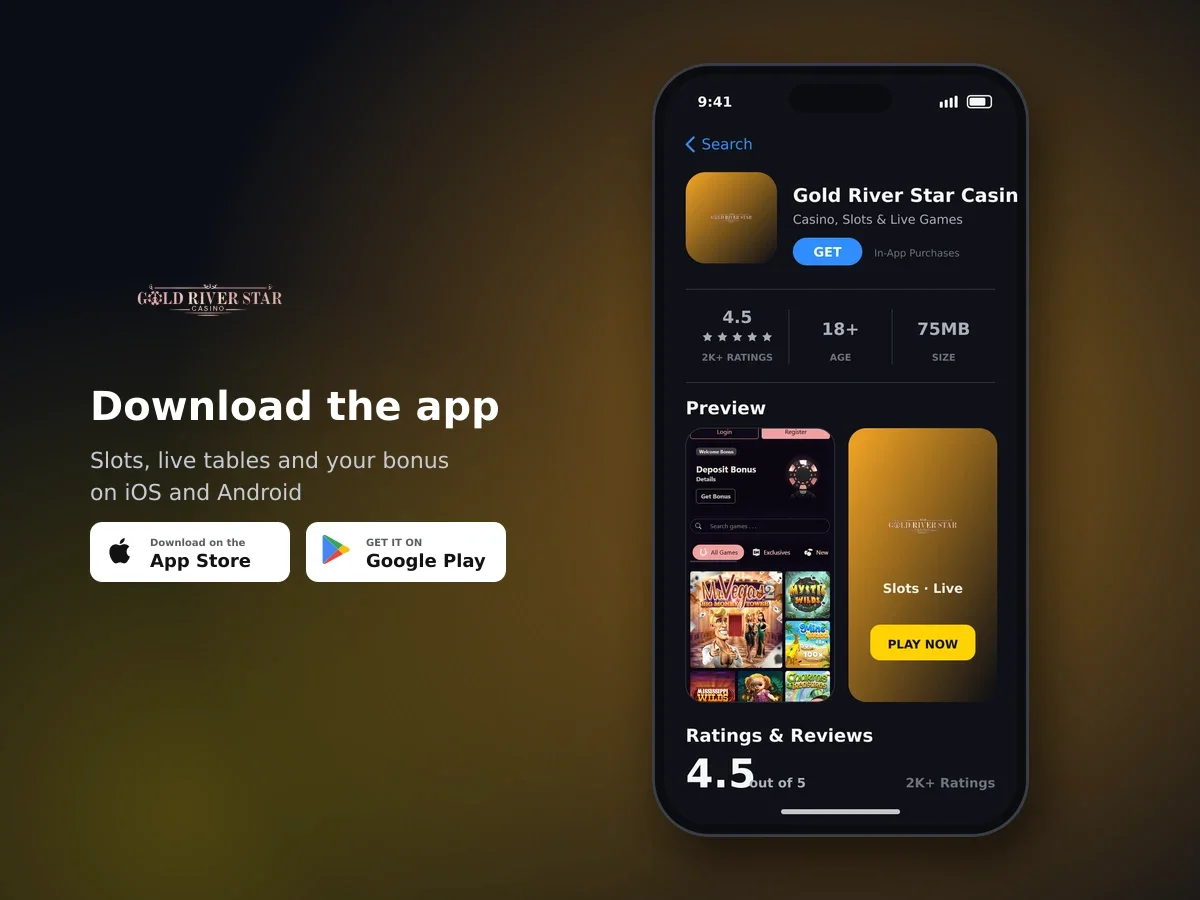
Gold River Star Casino
- 4.5 2K+ ratings
- 75MBSize
- 18+Age
- 5K+Downloads
Mobile App access: use the mobile-optimised website
The mobile option available from Gold River Star Casino is a mobile-optimised website. Open it in your mobile browser for a layout designed to work on a smaller screen, with access to the account and casino services available through the browser experience.
You can choose between fun play and real play. Fun play uses credits that do not equal real money, while real play uses your account for deposits and wagers. Some titles unlock only after a real-money deposit has been made.

Big games, big bonuses
Mobile access also gives you a practical way to manage your account settings, set a deposit limit and reach our support team. You do not need to use a separate desktop setup to get started with the mobile-optimised experience.
How to start mobile play in a few simple steps
- Open your mobile browser
Use your mobile browser to open the Gold River Star Casino website and bring up the mobile-optimised experience.
- Enter your account details
Sign in with your account credentials and password. Keep these details private and do not allow another person to use your account.
- Choose your play mode
Select fun play with non-cashable credits or real play when you are ready to use your real-money account.
- Use the account controls you need
Set a deposit limit, contact support or continue to play. When you finish, use the sign-out option and confirm that you want to log out.
The mobile experience follows the same account rules as other play modes. Your information must be authentic and accurate, and only one casino account is permitted per household.
Keep your account private
Your account number and password are confidential. Third-party involvement in an account breaches the agreement, so sign out after using a shared device.
Security features that protect mobile account use
SSL encryption protects money transfers, personal information and banking information when you use our services. This protection applies to the connection used for your mobile activity.
- Keep the full legal name on your account accurate and authentic.
- Use payment details registered in your own name when making a deposit.
- Keep your account credentials confidential and do not share access with another person.
- Use only one account for your household.
- Log out when your mobile session is complete.

Spin today, win today
Account verification can be required as part of account administration. Keeping your details current helps us match your account information with the payment information you use.
Deposits from mobile: methods, fees and limits
You can use the cashier from a mobile browser to choose from the payment options available to you. Only payment methods shown in the cashier are accepted, and the deposit must come from a bank account, card or wallet registered in your own name.
| Deposit detail | What applies | How to use it |
|---|---|---|
| Cards | Visa and Mastercard credit or debit cards | Use a card registered in your own name |
| Web wallets | Neteller, Skrill and other web wallets | The wallet name must match your casino account |
| Other methods | Vouchers and Bitcoin | Choose the method shown in the cashier |
| Minimum deposit | £5 or £10 | The amount depends on the payment method |
| Maximum deposit | £200 to £1,000 | The amount depends on the payment method |
| Processing fee | 3% on every deposit | The fee applies when the deposit is processed |
The cashier shows the applicable minimum and maximum for the method you select. Before confirming a mobile deposit, check the method, the amount and the 3% processing fee so you know the total cost of the transaction.
Use payment details in your own name
The first and last name on your payment method must match the name on your casino account. This applies to cards, bank accounts and payment wallets.
Safer play controls for mobile sessions
Mobile access makes your account controls available while you play. Set a limit that suits your budget before depositing, and use a break if you want time away from play.

Get started with a welcome bonus
Real-money play is for players aged 18 and over. Attempts by minors to access accounts are tracked and blocked, and staff are trained to detect compulsive and underage gambling.
Get mobile help from our support team
Our live chat is available 24/7 and connects you directly with the support team in English. It is a straightforward way to ask for help while using the mobile-optimised website.
You can also use the general enquiries email address for account questions. A separate finance and documents email address is available for financial matters and document requests.
| Support route | Availability or purpose | Language |
|---|---|---|
| Live chat | Available 24/7 and connected directly to support | English |
| General email | General enquiries | Support correspondence |
| Finance and documents email | Financial issues and document requests | Support correspondence |
| Telephone | France, Spain and international lines | Telephone support |
The website is available in English, French, German, Italian and Spanish. Choose the language that is most comfortable for you when using the mobile experience.
A simple checklist before you play on mobile
A few quick checks can make mobile play easier to manage. Go through them before you deposit or begin a real-money session.
- Open the mobile-optimised website in your mobile browser.
- Make sure your account information is authentic and accurate.
- Check that the payment method is registered in your own name.
- Look at the minimum deposit, maximum deposit and 3% processing fee for the method you plan to use.
- Set your deposit amount limit before real-money play.
- Choose fun play if you want to use non-cashable credits.
- Keep your password private and log out when you finish.
These steps keep the mobile experience focused on the features you need: access to your account, a choice of play mode, payment controls, safer-play settings and direct support.
Mobile App: questions and answers
How do I use Gold River Star Casino on mobile?
Open the Gold River Star Casino website in your mobile browser. The mobile-optimised website provides access to your account, fun play, real play, account controls and support.
Is the mobile experience secure?
SSL encryption protects money transfers, personal information and banking information. Keep your password confidential and use payment details registered in your own name.
Can I make a deposit from mobile?
Yes. Use the payment methods shown in the cashier, including Visa and Mastercard cards, web wallets, vouchers and Bitcoin. Minimum deposits are £5 or £10 depending on the method, and a 3% processing fee applies to every deposit.
Can I set a deposit limit while using mobile?
You can set your own deposit amount limit on the account. Daily, weekly and monthly limits can be requested from support in writing.
Can I take a break from mobile play?
Yes. You can request a cooling-off break of up to six weeks, self-exclude to block the account or request full account closure at any time.
Is mobile play available to under-18s?
No. Real-money play is for players aged 18 and over. Attempts by minors to access accounts are tracked and blocked.
How can I get help while using mobile?
Live chat is available 24/7 in English. General enquiries and finance or document questions can also be sent to their separate support email addresses.